Customize your brand
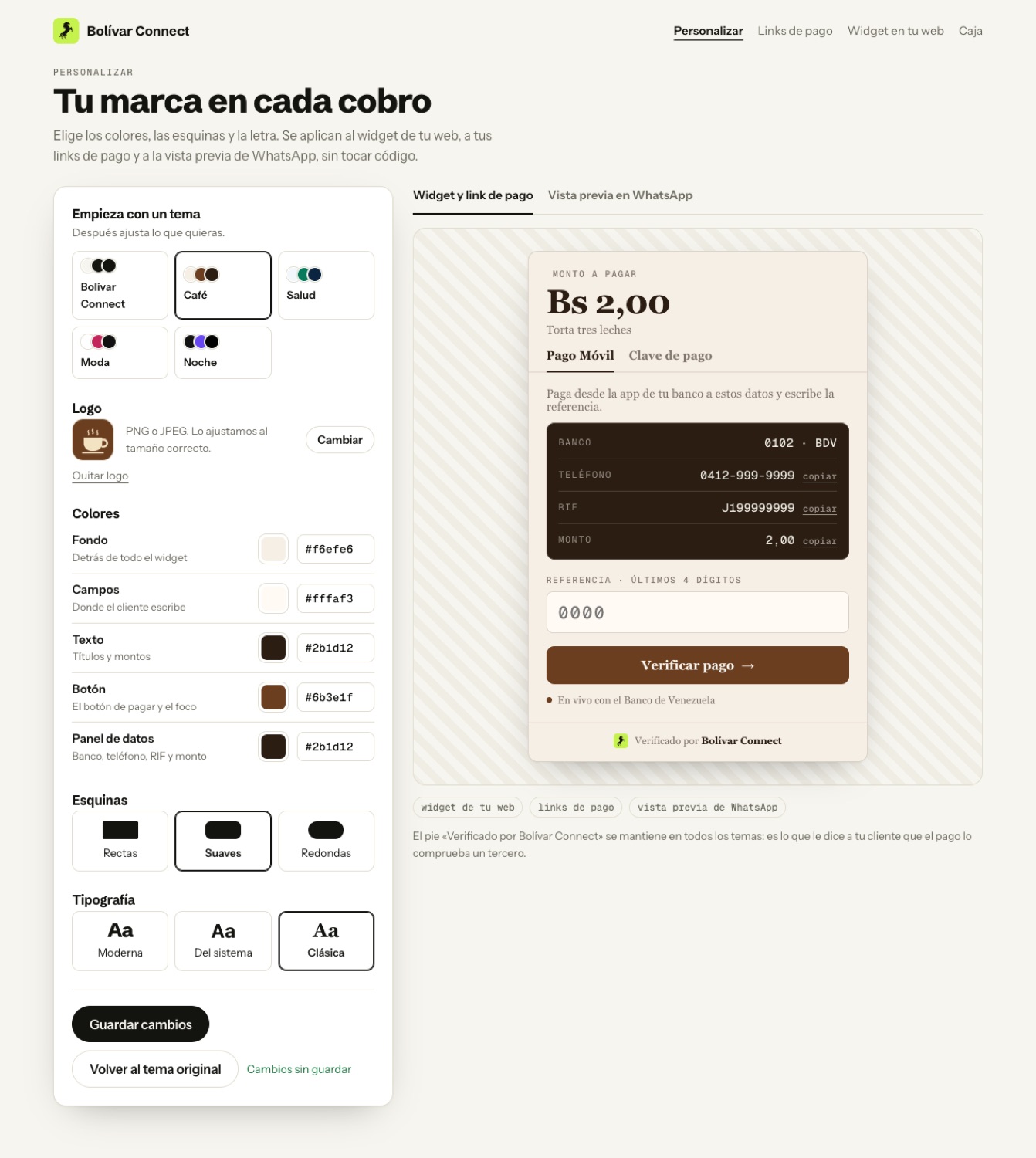
The widget and the payment links can carry your business’s brand: your logo, your colors, your corners and your font. You configure it once under Personalizar (Customize) and it applies on its own everywhere you collect.
Where it applies
Section titled “Where it applies”| Where | What changes |
|---|---|
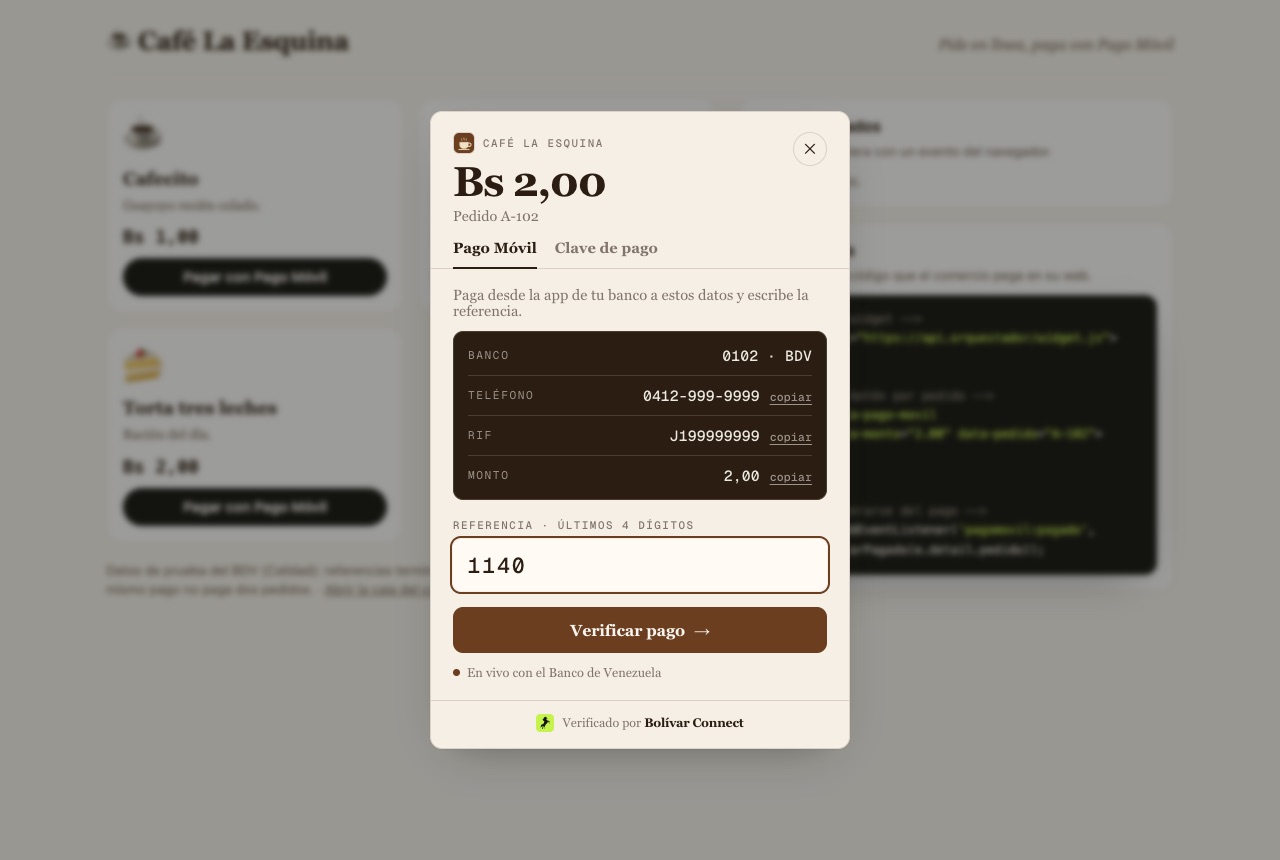
| Widget on your website | The payment modal: background, fields, button, details panel, corners and font. Your logo appears next to the name |
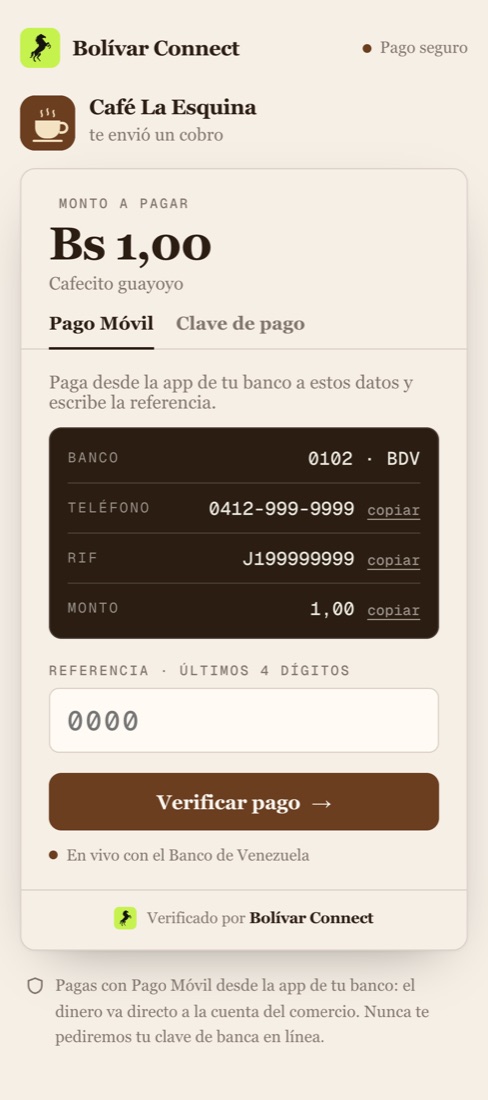
| Payment links | The entire page your customer opens |
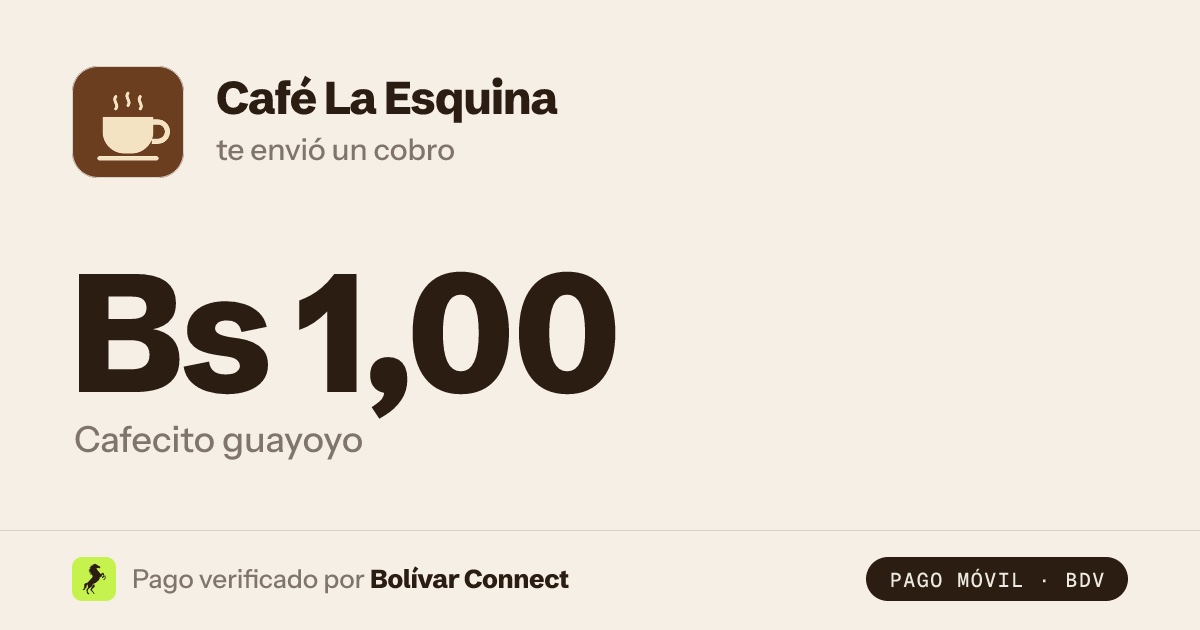
| WhatsApp preview | The link’s image: background, colors and your logo |
There is no need to paste the widget code again: it reads your brand every time it opens.
What you can change
Section titled “What you can change”| Setting | Options |
|---|---|
| Starting theme | Bolívar Connect, Café, Salud, Moda or Noche. Then you adjust whatever you want |
| Logo | PNG or JPEG. We resize it ourselves; you do not need to prepare anything |
| Background | Behind the whole widget and the link page |
| Fields | The background of where your customer types |
| Text | Titles, amounts and copy |
| Button | The pay button, the focus ring and the “live” dot |
| Details panel | The block with bank, phone, RIF and amount |
| Corners | Square, soft or round |
| Typeface | Modern (Bolívar Connect’s), the phone’s system font or classic (serif) |
What we calculate for you
Section titled “What we calculate for you”You choose five colors and the rest is derived so that it is always readable:
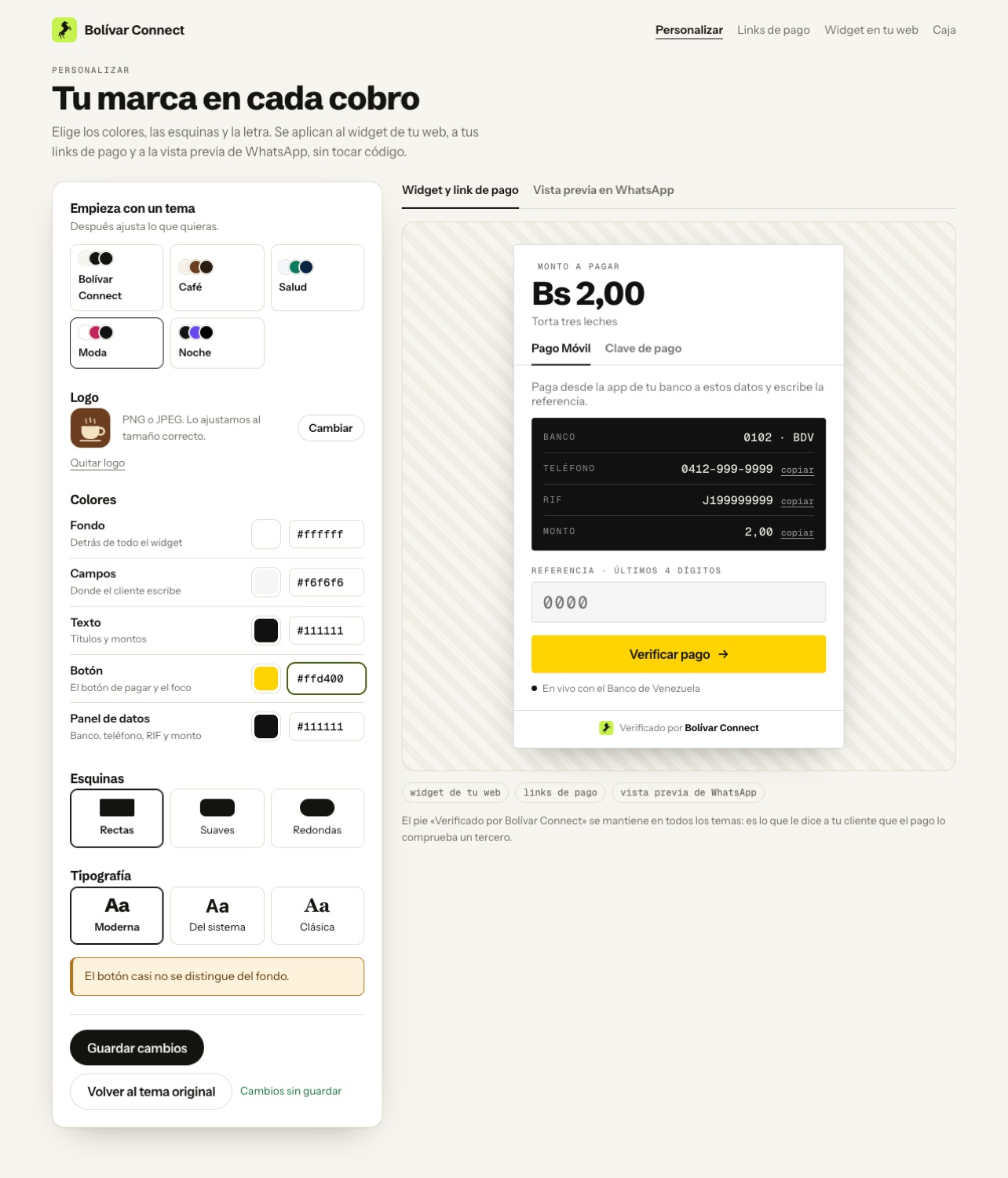
- The button text turns dark or light depending on your color. A yellow button gets black text, and a maroon one gets light text.
- The grays and lines come from mixing your text with your background, so they match any color.
- If a combination reads poorly, the editor warns you before saving (we check contrast against WCAG AA).
What does not change
Section titled “What does not change”- The “Verificado por Bolívar Connect” footer. It is what tells your customer that a third party checks the payment, and it appears in every theme.
- The error and warning colors (red and amber). A “this payment was already used” has to look equally serious at every merchant.
Test environment
Section titled “Test environment”The editor is at /demo/personalizar. Changes show live on the right and are
applied when you press Guardar cambios (Save changes). “Volver al tema
original” (back to the original theme) restores the Bolívar Connect one.